Find your heaviest videos, clean up by trip or city location, and compress huge 4K clips without losing visible video quality. Your photos never leave your device.
Designed specifically to solve iPhone space limitations without making you compromise on your memories.
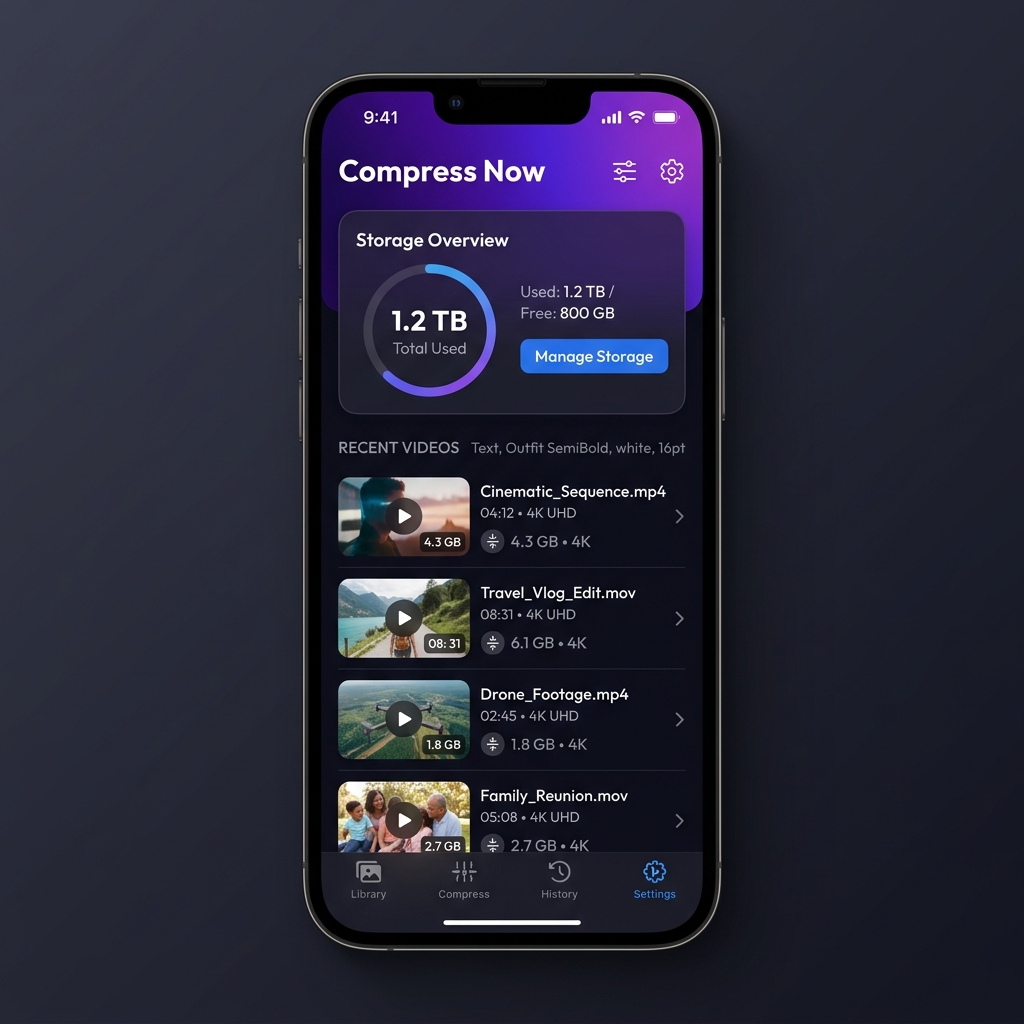
CompressGuy automatically targets heavy space-wasters (like accidentially shot 4K videos or long screen recordings) and suggests safe compression settings that look just as crisp as the originals.
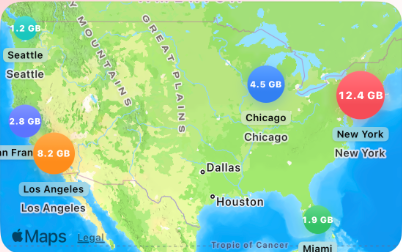
Explore your video library grouped by City or mapped visually. It's the most natural way to browse your videos — find and clean up heavy footage from past trips or events instantly.
All compression and scanning is performed directly on your iPhone. There are no server uploads, meaning your private footage remains 100% confidential and secure.
Every video with a location tag is auto-grouped by city and pinned on your interactive map. Pin sizes reflect the storage burden of the location, letting the heaviest hot-spots pop first.
Designed for regular users, not experts. Clean up gigabytes of storage in less than a minute.
Launch the app to automatically index your video files by size, location, and codec. You'll see real-time scanning progress.
Tap and hold any video preview to compare the compressed result side-by-side with the original quality before committing.
Compress in batch! Originals are moved to the system's "Recently Deleted" folder where they are safe for 30 days or can be manually emptied to free space instantly.
Start saving storage on your iPhone today. Free up gigabytes of space with HEVC parallel compression while preserving location tags and camera metadata.
Download on the App Store